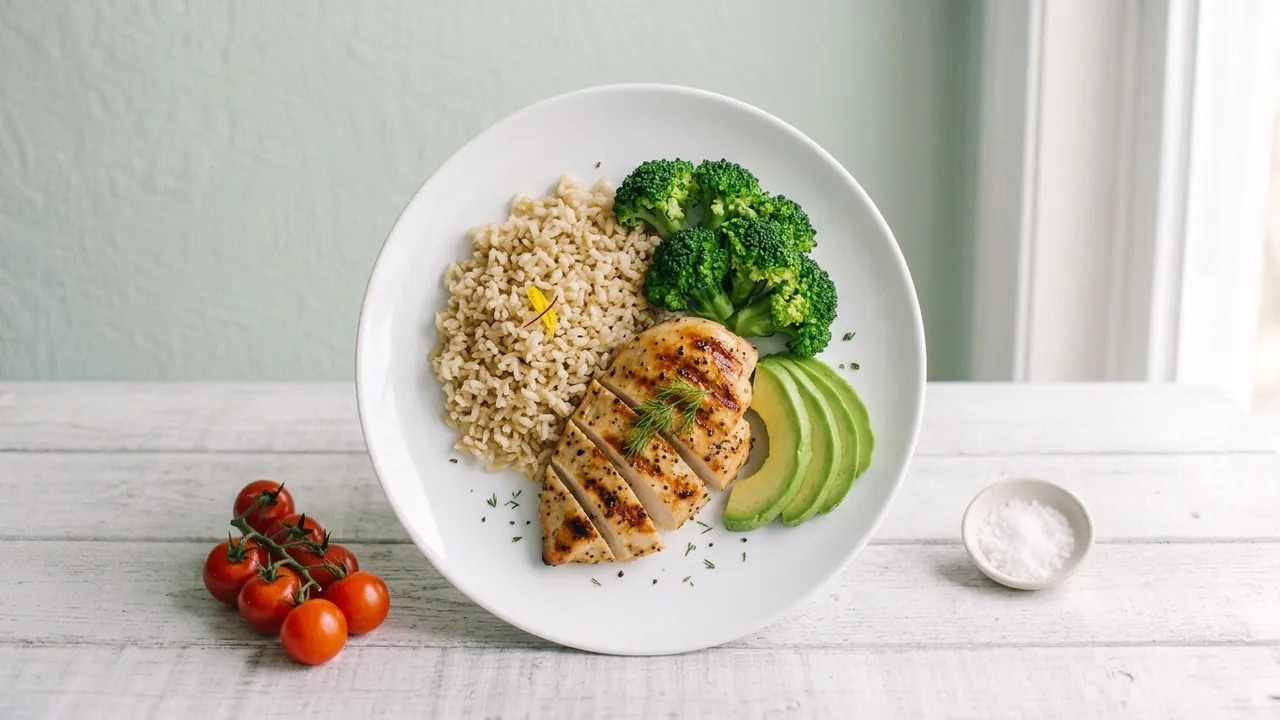
How to use this tool
- Choose a goal: weight loss, muscle gain, low carb or balanced.
- Set your daily calories with the slider and the number of meals.
- Choose how much cooking oil you use.
- Read the grams per meal, turn the plate to look around, and press Copy meal summary to save it.
Plate builder: portions for your goal
Choose a goal and a daily calorie budget. See how one meal splits into protein, carbs and fat, in grams and in foods you can weigh. Turn the plate to look around.
General estimates for healthy adults, not medical or dietary advice. Ask a doctor or dietitian about your own needs.
How the plate builder works
Your daily calories are divided by the number of meals. Each goal then splits the meal's calories into protein, carbohydrate and fat, and the tool converts those calories to grams using 4 kcal per gram for protein and carbohydrate and 9 kcal per gram for fat. Cooking oil counts toward the fat budget. The splits are general estimates for healthy adults, not a prescription.
Related guides
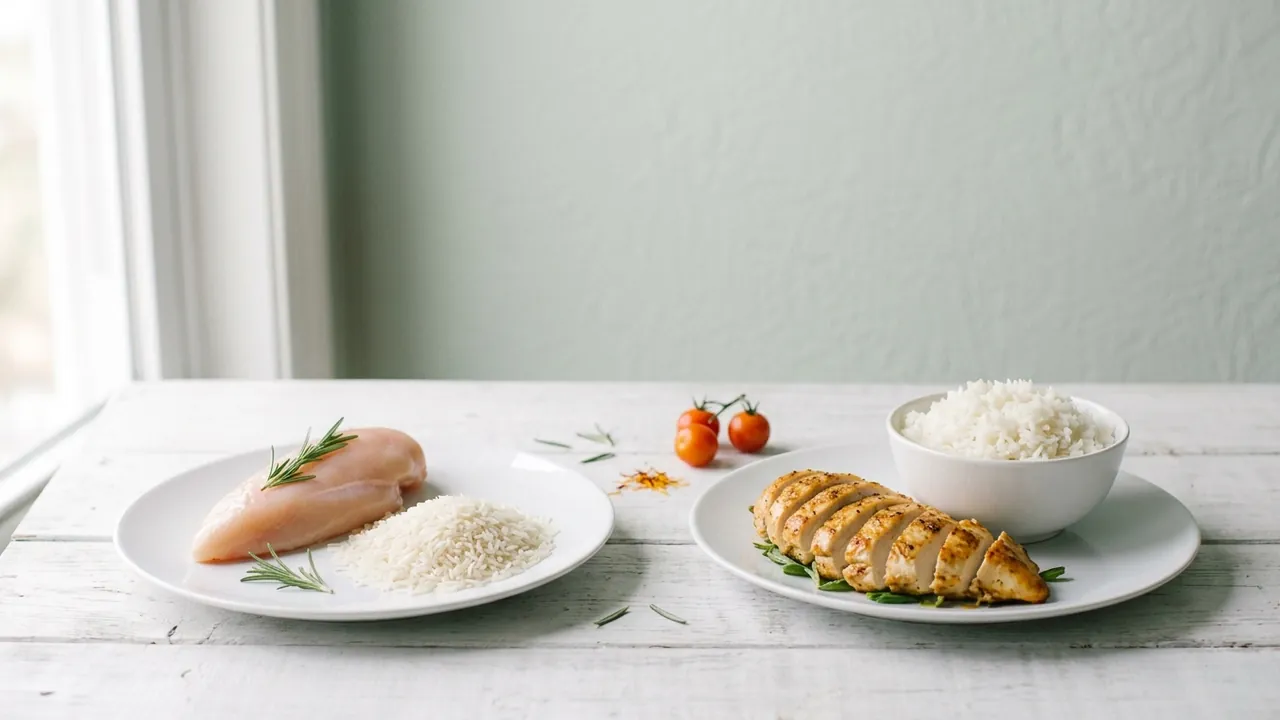 Raw vs Cooked Weight
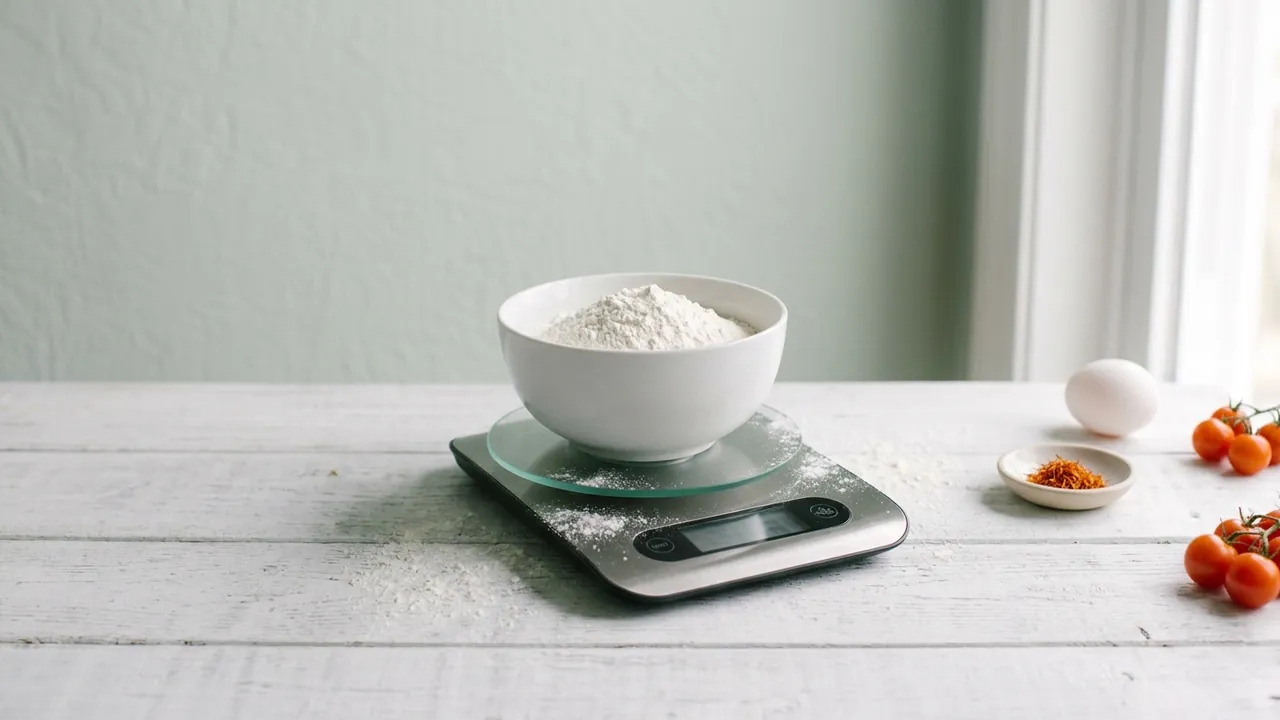 Kitchen Scale Buying Guide
Frequently asked questions
Is this medical or diet advice?
No. It gives general estimates for healthy adults. Ask a doctor or dietitian about your own needs.
How are the portions calculated?
Your daily calories are split across meals, then divided by goal into protein, carbs and fat using 4, 4 and 9 kcal per gram.
Where does cooking oil fit?
Oil is fat, so it counts toward your fat budget for the meal.